Singapore
Southeast Asia access direction
OpsVM offers Cloud Mac dedicated physical machines in Singapore, Tokyo, Seoul, Hong Kong, the US East Coast, and the US West Coast. Each order corresponds to one physical node, not a virtual machine. Teams can choose a region based on office networks, code repositories, artifact storage, and target markets.
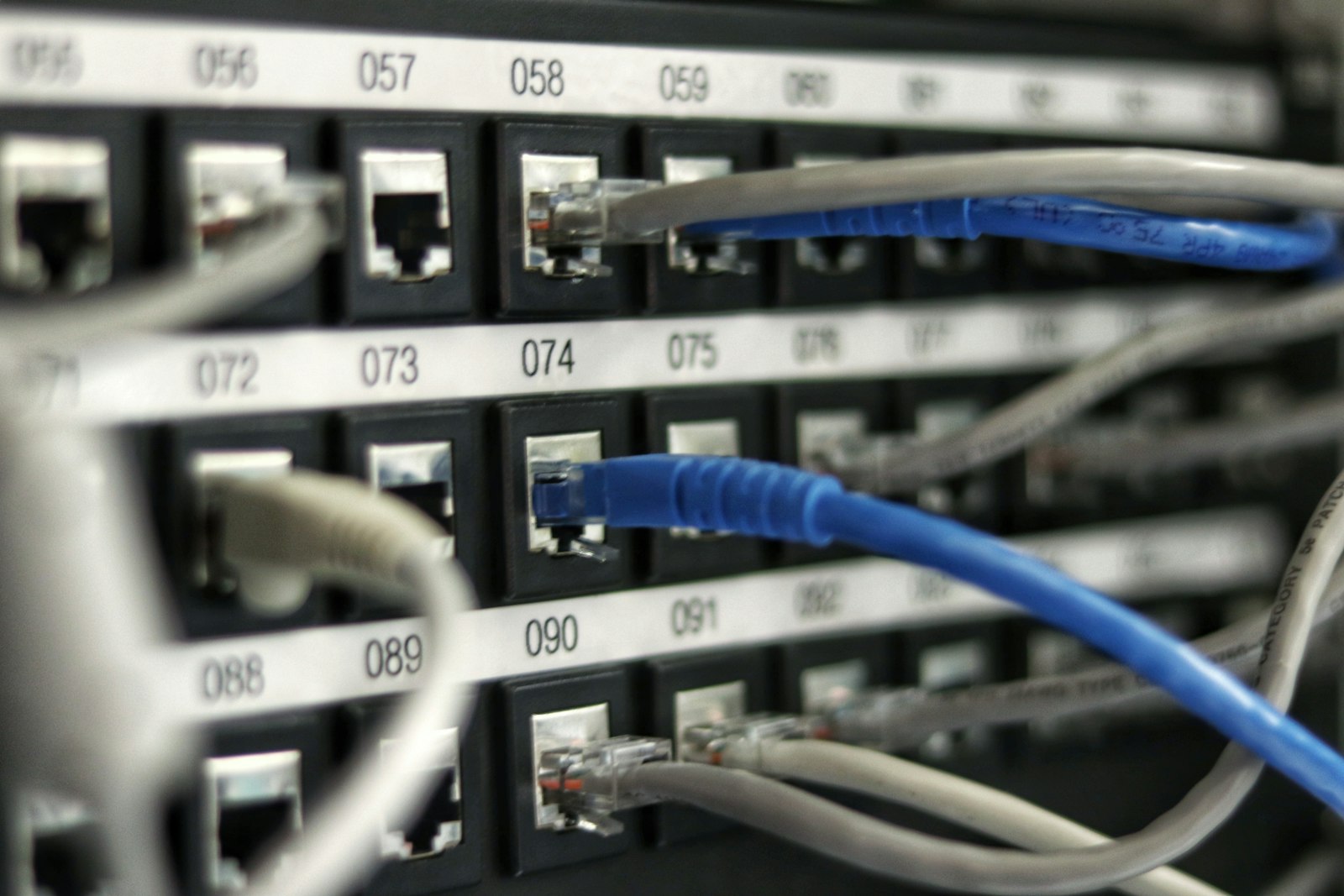
Node relationships show the directory and access direction, not guaranteed latency. Make the final choice based on retesting from your actual office network.
The same model offers identical chip, memory, storage, and billing terms in every region. Regional differences mainly come from the network path between your team and the node, plus the locations of repositories, dependency sources, and artifact destinations.
Southeast Asia access direction
Japan and East Asia access direction
South Korea and Northeast Asia access direction
South China and Southeast Asia access direction
North America East Coast and Western Europe access direction
North America West Coast access direction
Start by filtering for your team’s primary office locations, then check whether repository pulls, dependency downloads, device testing, and artifact uploads cross unnecessarily long network paths.
Best for teams whose main members are in Southeast Asia, or whose releases, dependency mirrors, and artifact storage are concentrated in that direction. Test remote Xcode sessions and CI uploads separately; a single browser speed test is not enough.
Best for development in Japan, releases targeting the Japanese market, and Xcode build jobs that run continuously in the East Asia time zone. Pay particular attention to interactive-session jitter and large artifact transfer speeds.
Best for teams in South Korea, Northeast Asian collaboration, and automated builds. If your workflow frequently downloads dependencies or uploads test packages, record total task time alongside individual ping results.
Best for cross-border development between South China and Southeast Asia, and for builds that need to stay close to regional repositories and artifact services. Routes can vary significantly by carrier, so record wired and Wi-Fi results separately.
The US East Coast and US West Coast are two separate available regions. Choose based on the overall locations of collaborators, repositories, testing services, and release targets—not just the lowest latency for one team member.
Best for teams whose members, repositories, or release systems are mainly located on the US East Coast or in Western Europe. Cross-time-zone pipelines can continue running tests, signing checks, and artifact generation after the team goes offline.
Best for teams whose collaborators, code services, or target markets are mainly on the North America West Coast, and for relay builds between Asia-Pacific and North America. The US West Coast is offered as one region and is not split into other available nodes.
This table is a template for measured results. Cells without real network samples are marked “Not tested”; no figures are generated from geographic distance. After testing, save the date, network environment, sample count, median, and packet-loss rate.
| Access Location | Singapore | Japan (Tokyo) | South Korea (Seoul) | Hong Kong | US East Coast | US West Coast |
|---|---|---|---|---|---|---|
| Singapore office network | Not tested | Not tested | Not tested | Not tested | Not tested | Not tested |
| Tokyo office network | Not tested | Not tested | Not tested | Not tested | Not tested | Not tested |
| Seoul office network | Not tested | Not tested | Not tested | Not tested | Not tested | Not tested |
| Hong Kong office network | Not tested | Not tested | Not tested | Not tested | Not tested | Not tested |
| US East Coast office network | Not tested | Not tested | Not tested | Not tested | Not tested | Not tested |
| US West Coast office network | Not tested | Not tested | Not tested | Not tested | Not tested | Not tested |
Use the same office device, access method, and network egress. Disable temporary proxies that could change routing, and record whether the connection is wired, Wi-Fi, or mobile.
Collect 20 consecutive samples for each candidate node, rather than keeping only the lowest value. Record the median, maximum variation, and packet-loss rate.
Add SSH login, repository cloning, dependency downloads, test builds, and artifact transfers. Ping shows only the round-trip path; it cannot replace workflow timing.
Test at least once during normal development hours and once during the target CI window. Cross-region routes change with carrier routing and time of day, so one result is not enough to choose a region.
The shortest geographic distance is not always the best workflow. Routing, repository location, dependency caches, artifact storage, and collaborator distribution can all change the final result.
List where members who need graphical remote access, SSH operations, and build-log monitoring are located. Members with the most frequent interaction should get the most stable route.
Record the locations of code repositories, dependency mirrors, and cache services. For cold-start pipelines, cloning and dependency restoration may take longer than compilation itself.
Confirm where test packages, archives, and automated-processing results are ultimately uploaded. When large files frequently cross regions, include throughput and failed-transfer retries in the comparison.
Run the same commands, use the same repository, and perform the same build task on candidate nodes. Record median latency, packet loss, total task time, and interactive experience.
Each of the 6 entry points explains its region’s access direction. Actual availability is returned live by the console; when ordering, you still need to select a model, term, and any required add-ons.
For Southeast Asia access
For Japan and East Asia access
For South Korea and Northeast Asia access
For South China and Southeast Asia access
For North America East Coast and Western Europe access
For North America West Coast access
The matrix shows only available catalog combinations. OpsVM M4 Core, OpsVM M4 Plus, and OpsVM M4 Pro can be ordered in all 6 regions, with availability consistently listed as “Available.”
| Model and Configuration | Singapore | Japan (Tokyo) | South Korea (Seoul) | Hong Kong | US East Coast | US West Coast |
|---|---|---|---|---|---|---|
| OpsVM M4 Core M4 · 16GB · 256GB | Available | Available | Available | Available | Available | Available |
| OpsVM M4 Plus M4 · 24GB · 512GB | Available | Available | Available | Available | Available | Available |
| OpsVM M4 Pro M4 Pro · 64GB · 2TB | Available | Available | Available | Available | Available | Available |
Network results are affected by carrier routing, access method, cross-region links, time of day, and local network load. Node directions narrow the candidate list but do not guarantee fixed network results. Before committing to a long-term workflow, retest on the networks your team actually uses and complete at least one repository clone, dependency restore, test build, and artifact transfer.
Choose one of the 3 available models, the rental term, and the region. All nodes operate normally year-round, 365 days a year; actual availability is returned live by the console.